Saltwater & Canvas Proposal
What you can expect from our work together: what’s included, timeline, investment, and how we’ll show up for each other.
Prepared on: july 21, 2026
Valid until september 21, 2026
Before You Review the Details, Here’s a quick video to walk you through the options, what’s included, the estimated timeline, and how the process would work from here.
Project Overview
-
Look polished and professional online so the brand feels clear, trustworthy, and aligned with the coastal art style.
-
Make it easy for people to shop available pieces without needing to go back and forth through DMs.
-
Share more about the artist and the story behind the work through an About page so people can feel more connected to the brand.
-
Show past and sold pieces through a gallery-style page that builds trust so visitors can get a better feel for the style of the artwork.
-
Collect custom inquiries through a simple inquiry page for customers interested in custom pieces.
-
Make updates easy after launch so new products, photos, and text can be added without feeling overwhelming.
Project Options
DIY TEMPLATE
$357.60
$447 (Price before 20% Off)
The full premium template built to grow with you. This template walks visitors through the full journey: who you are, what you specialize in, what it looks like to work with you, and how to take the next step.
(Will send you a 20% discount if you choose to go with this route)
Includes:
Same day delivery for a brand-new Squarespace trial site
Guided step-by-step video tutorials
You’ll know what to write with copy prompts on every page
No code needed
Mobile-friendly out of the box
Lifetime email support
Extended 3-month trial
Additional 10% off Squarespace annual plan
Near launch, share your website wins and I’ll send a five-minute video review with final notes
Core Template Setup
$600
A more simplified version of the full setup. Get started with your brand added, formatted, and technical details handled.
Includes:
Up to 4 pages. Collection pages, like Shop or Blog, count as 2 pages
Your template
Layout and styling stays the same
You add your text
1 revision rounds for each milestone
-
File Prep Tasks
Preparing brand assets:
Resize and compress logos, images, videos (up to 10)
If needed, source up to 5 brand-aligned stock photos and videos to fill in the gaps
Rename images and videos to have key words (up to 10)
Review the brand’s color for website readability and make small adjustments if needed
Homepage Preview Tasks
Add logo
Add brand color
Add brand fonts
Add selected images and videos
Update template sections with brand colors and visual direction
Add light mode and dark mode favicons
Create and add site’s social share image
Template Set Up Tasks
Update the remaining selected pages with:
Your approved brand colors
Provided images and videos
Visual styling based on the approved Homepage Preview
Check mobile and desktop views
Launch Prep Tasks
Make final updates
Check mobile and desktop views
Provide Site Launch Checklist
Create additional video tutorials
Share Brand & Website Kit
Connect the website’s domain
Connect payment processor
Go over the project and answer any final questions on the optional Project Wrap-Up Call
Support
Optional video calls:
Onboarding
Project Wrap-Up
Guided step-by-step video tutorials
You’ll know what to write with copy prompts on every page
No code needed
Mobile-friendly out of the box
Lifetime email support
Extended 3-month trial
Additional 10% off Squarespace annual plan
full Template Setup
$800
Get more of the website set up for you. This would include more pages customized, images added, and an additional revision.
Includes:
Up to 7 pages. Collection pages, like Shop or Blog, count as 2 pages
Your template
Layout and styling stays the same
You add your text
2 revision rounds for each milestone
-
File Prep Tasks
Preparing brand assets:
Resize and compress logos, images, videos (up to 15)
If needed, source up to 5 brand-aligned stock photos and videos to fill in the gaps
Rename images and videos to have key words (up to 15)
Review the brand’s color for website readability and make small adjustments if needed
Homepage Preview Tasks
Add logo
Add brand color
Add brand fonts
Add selected images and videos
Update template sections with brand colors and visual direction
Add light mode and dark mode favicons
Create and add site’s social share image
Template Set Up Tasks
Update the remaining selected pages with:
Your approved brand colors
Provided images and videos
Visual styling based on the approved Homepage Preview
Check mobile and desktop views
Launch Prep Tasks
Make final updates
Check mobile and desktop views
Provide Site Launch Checklist
Create additional video tutorials
Share Brand & Website Kit
Connect the website’s domain
Connect basic payment processor
Go over the project and answer any final questions on the optional Project Wrap-Up Call
Support
Optional video calls:
Onboarding
Project Wrap-Up
Guided step-by-step video tutorials
You’ll know what to write with copy prompts on every page
No code needed
Mobile-friendly out of the box
Lifetime email support
Extended 3-month trial
Additional 10% off Squarespace annual plan
Popular Add-Ons
-
Brand Styling
$950
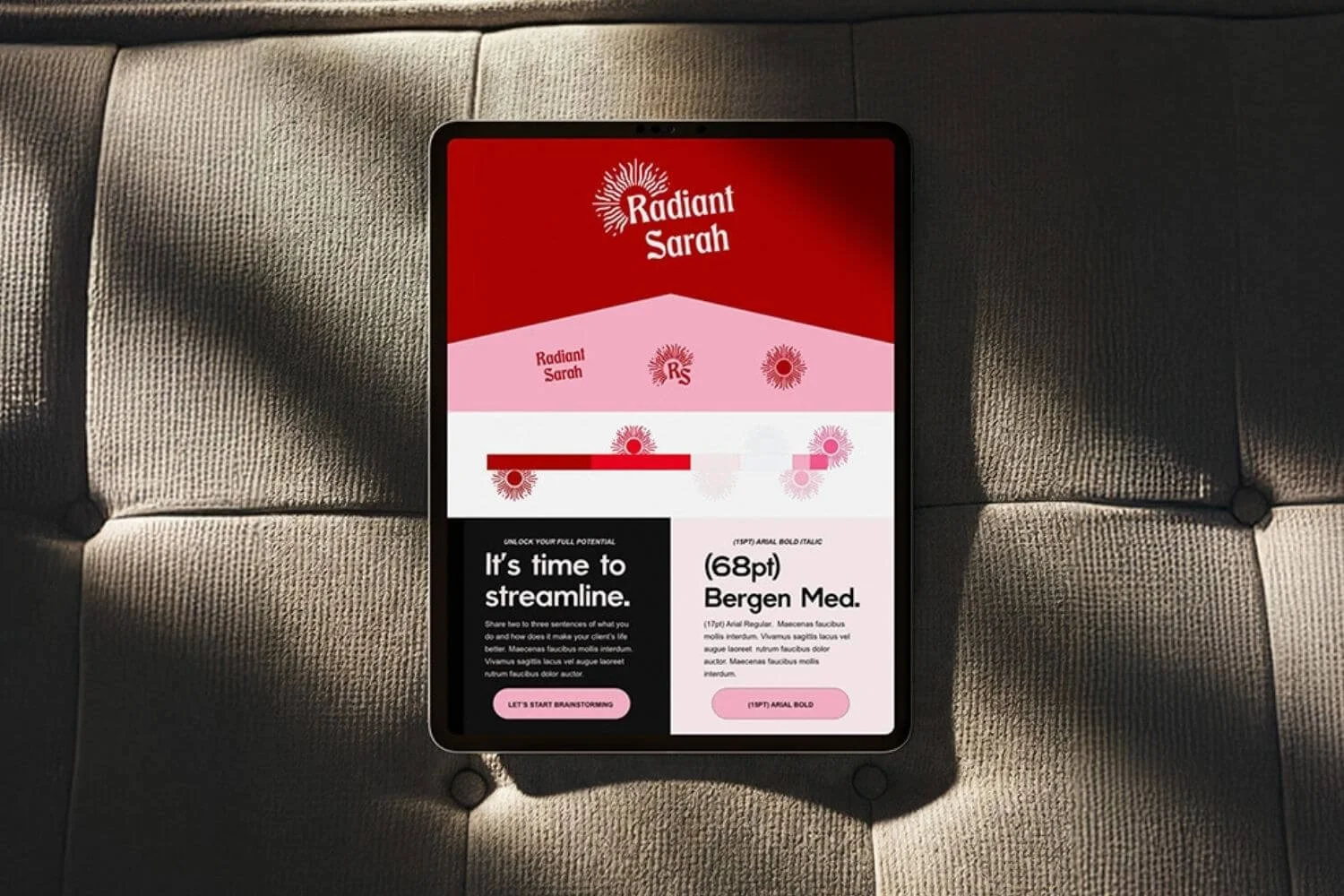
A brand foundation to help better reflect who you are, what you create, and the story you want people to feel when they land on your site.
Includes: Moodboard and image curation, color palette, font selections, text-based logo options, and brand board.
-
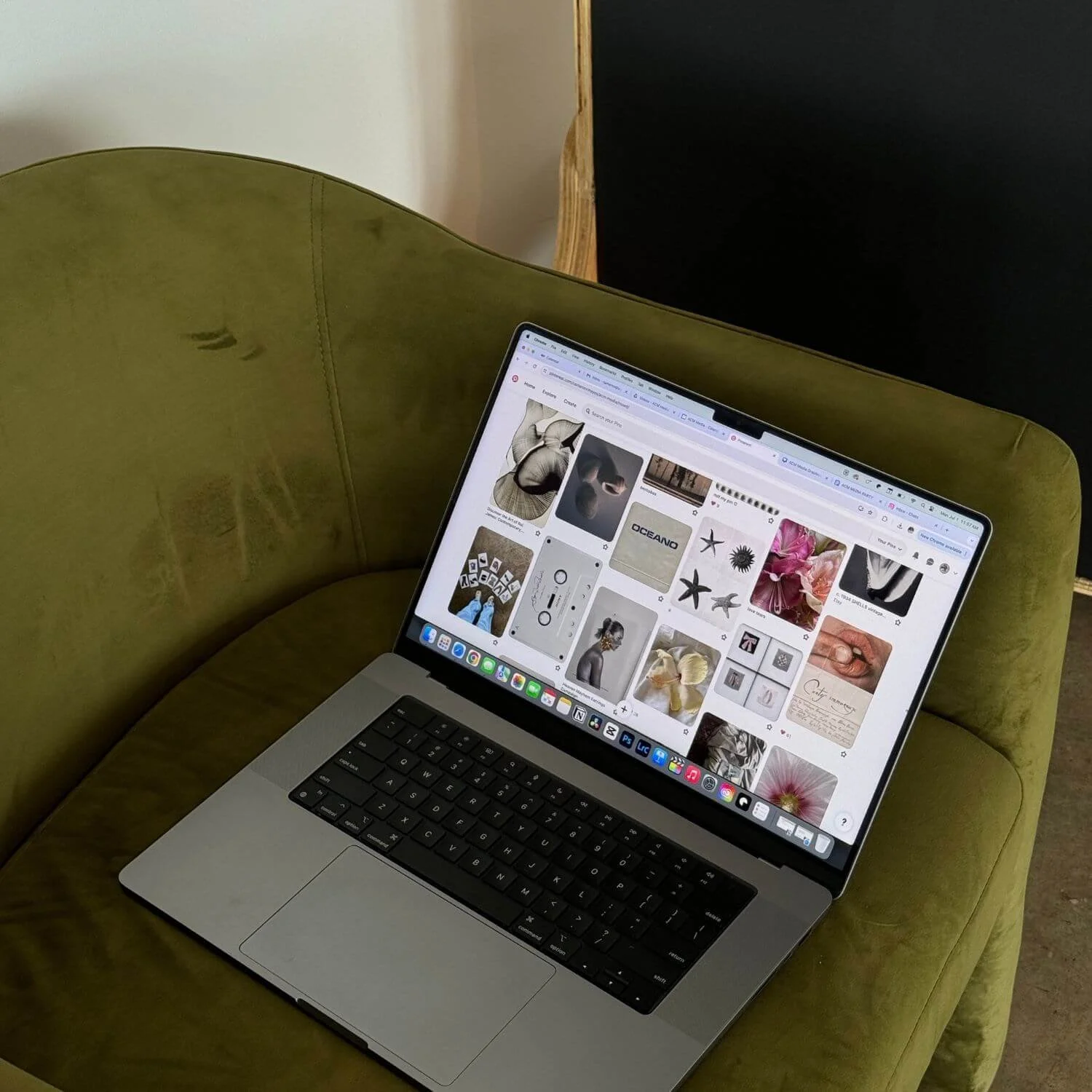
Website Media Prep
$350
For extra images and videos that need to be cleaned up and prepared for the website.
Includes:
Resize, compress, and rename up to 30 images
Prep up to 3 short video clips
Source up to 10 additional images
Source up to 2 additional video clips
-
Tech Setup Support
$350
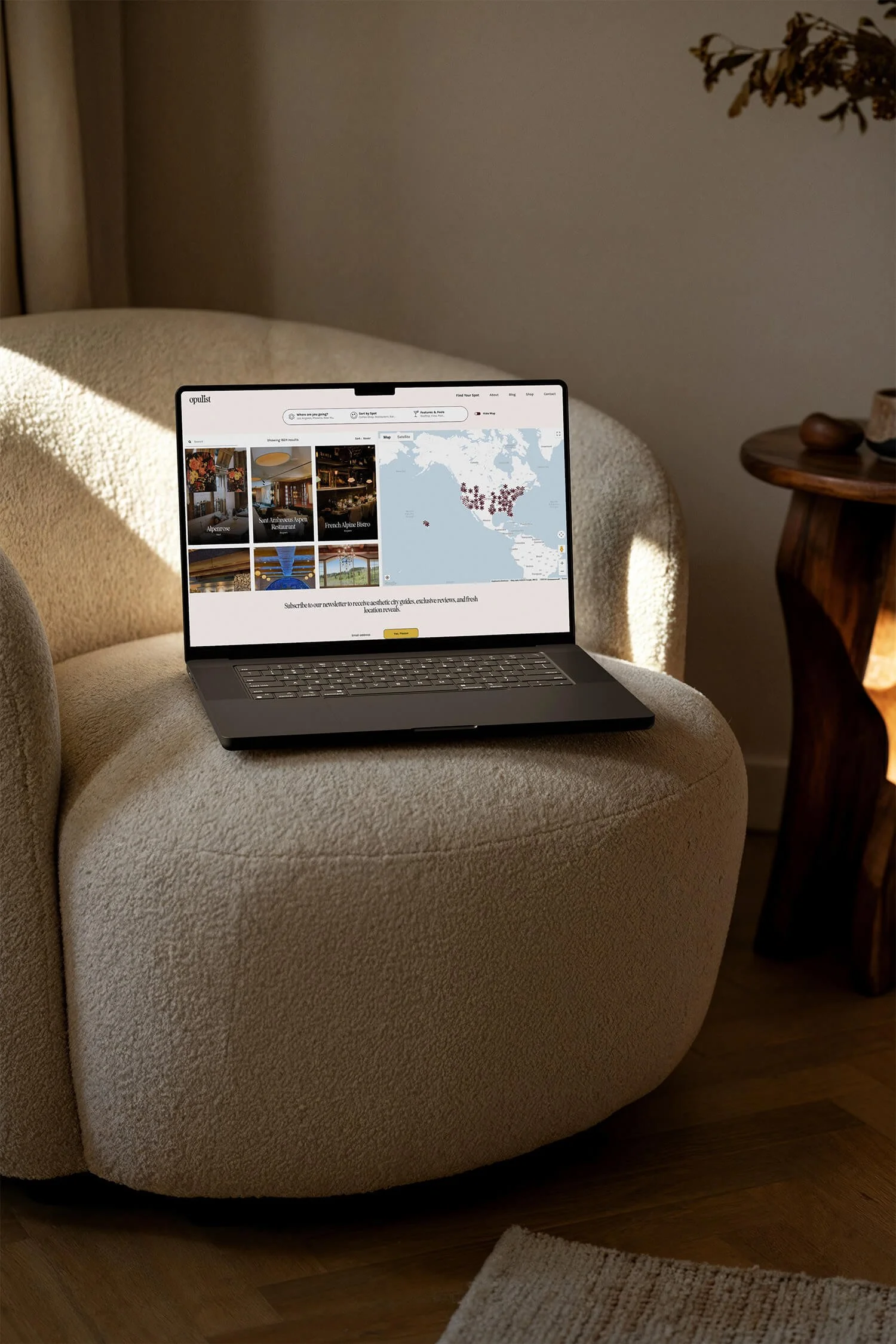
Your domain connection and basic payment processor connection are already included.
If you’d like help connecting a few extra tools to your website, this add-on includes setup support for up to 3 additional tools, such as an email list, analytics, tracking pixel, etc.
-
Additional Page Styling
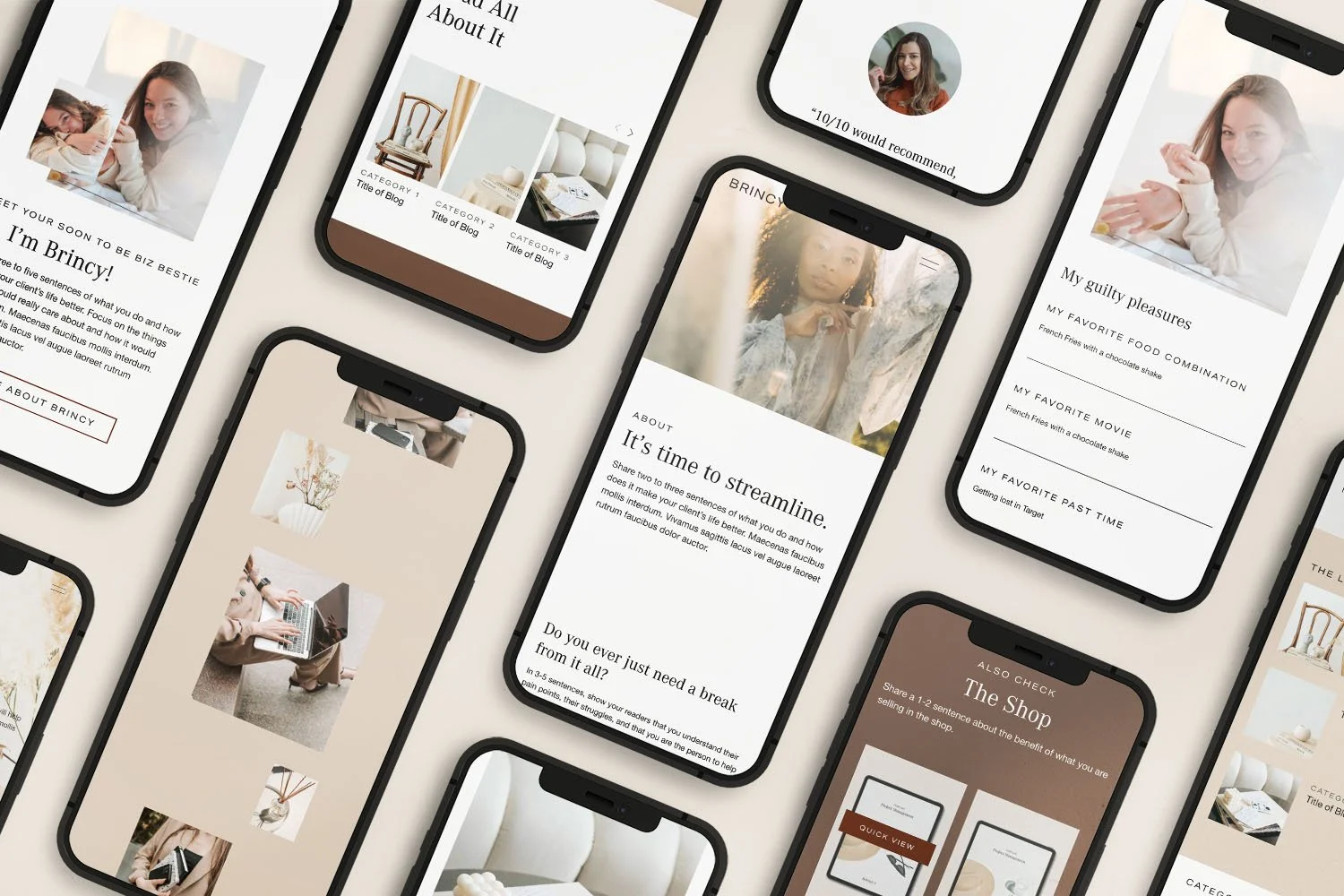
$175
Have extra existing pages styled to match the rest of your website. This includes layout styling, placing provided content and images, and a mobile check for that page.
Note: Collection pages, like Shop, Blog, Portfolio, or Gallery, count as 2 pages because they include both the main page visitors browse and the individual item page they click into.
-
New List Item
Description goes here
-
Squarespace subscription (Core plan or higher) + domain/hosting costs
Legal policies (privacy policy, terms, etc.)
Premium fonts, stock photos, or image/font licenses
Email setup + automations (Flodesk/Mailchimp/Kit, etc.)
Third-party plugins + any integrations beyond what’s agreed
Branding (logo, colors, fonts, brand guide) or AI-generated brand photos
Advanced SEO, keyword research, or content strategy
Copywriting (writing or rewriting your website text)
Coaching/consulting outside the project scope
Estimated Timeline
Timeframe: 1-2 weeks
Start date: August 17, 2026
To help keep the project moving, I’ll ask for feedback after each main milestone is shared.
A 1–2 business day response time is ideal, but I understand life and business can get busy. If you need a little more time, just keep me updated so I can plan around it.
If feedback or approvals take longer, the overall timeline may shift depending on how much time is needed. If I don’t hear back within 7 calendar days, the project may need to be paused and rescheduled based on my next available opening.
Working days are Monday–Thursday.
-
Review submitted content and access
Prep provided website files
Resize, compress, and rename included images/videos as needed
Review brand colors for website readability and make small adjustments if needed
-
Add your logo, colors, fonts, and selected visuals to the homepage
Share the homepage preview for review
Gather feedback before moving forward
-
Apply the approved homepage direction to the remaining included pages
Style the selected pages for desktop and mobile
Add provided images, videos, and content where included
-
Make final updates based on included feedback
Create any included walkthrough/tutorial videos
Connect the website domain
Help connect the basic payment processor
You’ll be responsible for entering any private payment details, like bank information, tax details, or account verification information.
Confirm the correct Squarespace plan is active
Prepare the site for launch
If any add-ons or additional services are added, the estimated timeline may also be adjusted.

Payment Schedule
First Payment
A 50% non-refundable, non-transferable reservation retainer is due to save your spot on the calendar.
Second Payment
The remaining 50% is due before your scheduled project start date.
Once both payments are complete and the required content/access has been submitted, the project timeline can begin.
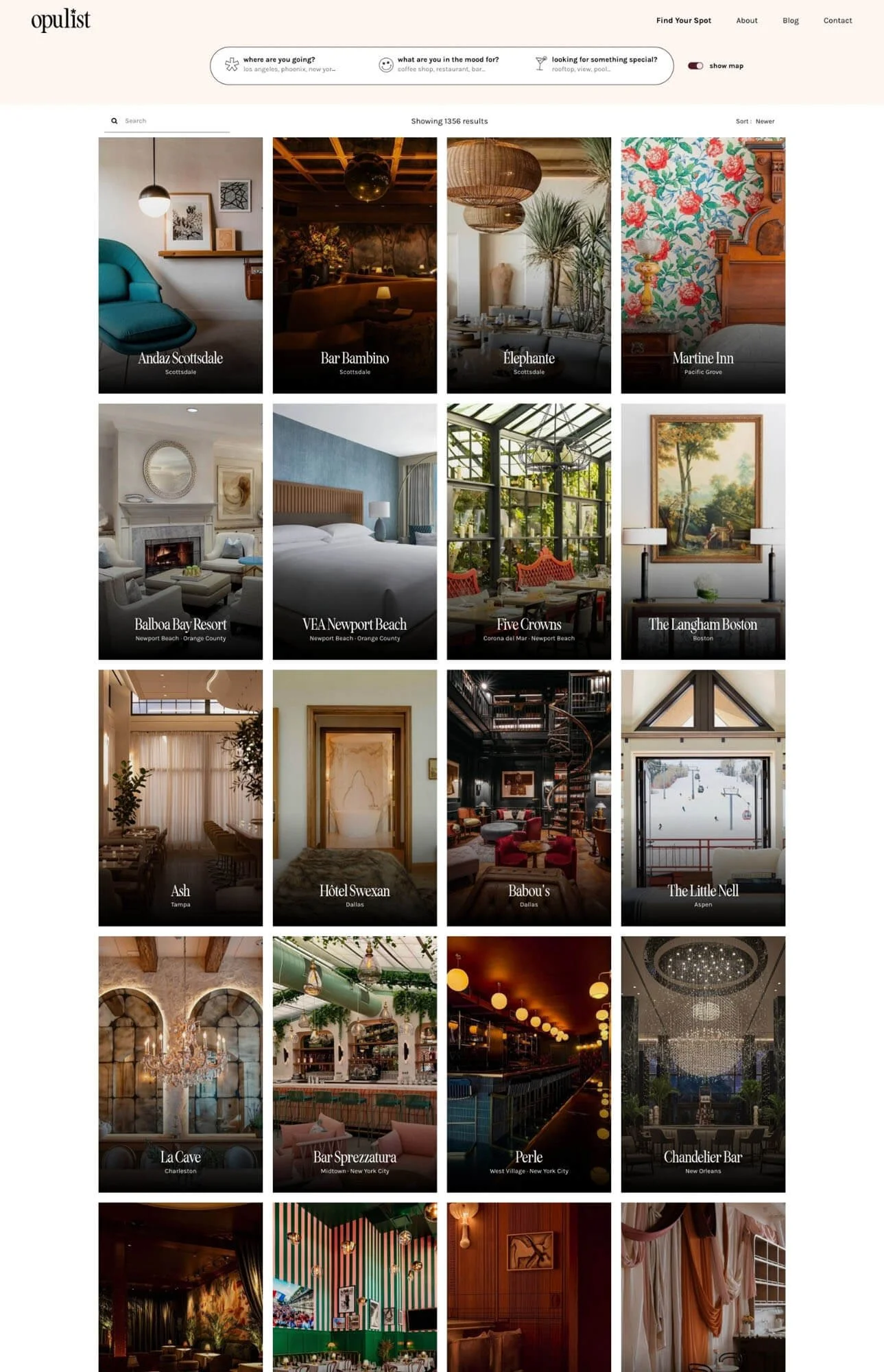
See What’s Possible


The Process
-
Once you choose the option that feels like the best fit, I’ll send over the invoice and contract so we can save your project start date.
Booking reserves your spot on my calendar, but the website setup will begin on your scheduled project start date.
-
After you’re booked, I’ll invite you into a private Notion portal with simple prompts and a checklist of what to send over.
This gives you time to gather your content before the project starts, and it gives me time to review what you have so I can let you know if anything important is missing.
To help keep things moving smoothly, it’s best to have all required content and access submitted at least 3–5 business days before your project start date.
You’ll be asked to share things like:
A Google Drive or Dropbox folder with your:
Logo, icons, fonts, colors, patterns, and brand guidelines
Photos and videos for the website, including product, artwork, studio, behind-the-scenes, or detail photos
Real photos and videos are preferred, even if they’re cellphone photos, because they help the site feel more personal and human.
Admin access to your:
Squarespace site
Domain or DNS settings
Your completed discovery questionnaire
-
Once your scheduled project start date arrives and the needed content and access are ready, I’ll begin setting up the website through the milestones below so you can see the progress along the way.
File Prep:
I’ll prep the provided logo, images, and videos by resizing, compressing, and renaming files as needed. I’ll also review the brand colors for website accessibility and make small adjustments if needed.Homepage Preview:
I’ll add your logo, colors, fonts, and selected images/videos to the homepage so you can review the overall look and feel before the rest of the site is updated.Template Setup:
Based on the approved homepage preview, the remaining included pages will be updated with your brand colors, provided images, and videos for both mobile and desktop views.Launch Prep:
I’ll make final updates, create any included video tutorials, connect the website domain, and go over the project. If a Project Wrap-Up call is booked, we’ll also use that time to answer any final questions.I’ll check in at each step and give you a chance to review before we move forward.
If feedback or approvals are delayed, the timeline may shift by the same number of days. I’ll keep you updated along the way so everything feels clear.
-
Once the website visuals are reviewed and approved, including the branding, images, layout, and overall design direction, I’ll help get the site ready to launch.
Final website copy and copywriting are not included, but you’ll be able to add your copy before launch using the tutorials and checklist I provide.
From there, I’ll connect your domain, help connect your basic payment processor, confirm the correct Squarespace plan is active, and make sure the site is ready to share.
For security, you’ll be responsible for entering any private payment details, like bank information, tax details, or account verification information.
Then your website is ready to go live 🎉
Important Notes
-
Before We Begin
To help keep things moving smoothly, it’s best to have all required content and access submitted at least 3–5 business days before the project start date.
-
Communication
All project communication will happen inside your Notion portal, with a weekly check-in to share project status and next steps.
-
Accessibility
I’ll keep accessibility in mind through readability, color contrast, and responsive design. Guaranteed compliance requires an accessibility specialist before the project starts.
-
Browser Compatibility
Your website will be reviewed on common modern browsers like Chrome, Safari, and Firefox. Support for older or less common browsers may require additional planning.
-
Screen Responsiveness
Every page is reviewed on modern phone, tablet, and desktop sizes. Small variations may appear on unusual devices, and anything odd gets fixed in review.
-
Performance
I’ll keep site speed in mind through clean setup, image compression, and avoiding unnecessary code where possible. Specific speed scores are not guaranteed.
FAQs
Got questions? I’ve got answers! Here are a few I get asked a lot.
If you still have questions, feel free to ask me.
-
Your main ongoing cost will be your Squarespace subscription.
The exact plan depends on the features you need, but I’ll likely recommend the Core plan or higher since it supports the type of setup and customization needed for your website.
Squarespace hosting is included with your plan, so you won’t need to pay for separate website hosting.
If you choose the Core plan, the estimated cost is:
Annual plan: around $313.20 for the first year with the 10% first-year discount
Monthly plan: around $39/month
Your domain renewal through Spaceship would stay separate unless you decide to transfer your domain to Squarespace.
If you want to use email campaigns, that would be an additional cost. Squarespace Email Campaign pricing depends on how many emails you plan to send each month. As an example, the current starter option is around $8/month when paid annually or $12/month when paid monthly for up to 500 emails per month.
-
No, your domain does not need to be transferred from Spaceship.
We can connect it to Squarespace while keeping the domain where it is. This means you’ll continue managing your domain through Spaceship, and your website will still point to your Squarespace site.
If you ever prefer to transfer the domain to Squarespace in the future, that’s an option too, but it’s not required for launch.
-
Yes, totally. The website will be set up with simple updates in mind, so you can add products, swap photos, and edit text without feeling overwhelmed.
Before launch, we’ll do a quick walkthrough so you feel comfortable managing the basics. You’ll also get video tutorials and a checklist you can come back to anytime. (Here’s an example of a video walkthrough I created for a client after handing over their site.)
And if anything comes up later, email support is available for questions like accessing your site, finding the right Squarespace setting, or handling the occasional issue that can pop up after a Squarespace update.
-
That’s totally okay.
If you purchase the template and later decide you’d rather have support setting it up, you can apply what you already paid toward the Template Setup service within 30 days of your purchase.
You would only pay the difference between the template price and the setup service price.
This gives you the option to start on your own first, but still have support available if you realize you’d rather have the site set up for you.
Template credit must be used within 30 days of purchase and is based on availability.
-
Yes! Payment options are available for both the Template Setup service and website template.
For the Template Setup service, a standard payment schedule is already included and will be outlined in your proposal.
If you need a little more flexibility, let me know. I’m happy to see if an extended payment plan makes sense for your project and timeline.
The project must be paid in full before the website is launched or transferred to you.
For the DIY website template, you’ll be able to choose from the payment options available at checkout. This may include paying in full, a two-payment plan, or Buy Now, Pay Later options like Klarna or Afterpay.
-
Yes, support is available after launch.
Some projects are best handled in phases. Many clients launch with the essentials first, then add things like new pages, SEO, or enhancements as the business grows.
For quick questions like accessing your site, Squarespace settings, or the occasional odd issue that can pop up after a Squarespace update, you can submit a support form anytime and get help without having to figure it out alone.
-
Yes, I may use AI tools to help support parts of the website setup process, such as organizing information, planning the visual direction, editing images, or preparing helpful website resources.
That said, AI does not replace the care, strategy, or creative direction behind the project. Anything AI-assisted is reviewed, edited, and customized so it fits your brand, your goals, and the overall direction of the website.
If you have any concerns or prefer that AI tools not be used for your project, just let me know before we begin.
-
I build all my sites on Squarespace. It’s super easy to use and update, and has everything you need to run a blog, sell products, or manage your services, without making you want to throw your laptop out the window.
And the best part? Squarespace can handle unlimited traffic and data without slowing down or hitting you with extra costs.
Whether you’re adding loads of photos, videos, or suddenly go viral and get a surge in visitors, your site will stay smooth and reliable…all included in your plan, with no hidden fees.
-
You’ll be working with me 🥰
I’m a one-woman team, but if your project needs a little extra expertise, I bring in collaborators.
Either way, I’m your main go-to throughout the entire process.
Next Steps
Thank you for considering working together. If this feels like the right next step, I’d love to help you bring your website to life!
-
01 / Choose Your Setup
Let me know which setup you’d like to move forward with.
-
02 / Make It Official
I’ll send over the contract through Xodo Sign and your first invoice through Stripe. Once both are completed, your project spot will be reserved.
-
03 / Complete Your Questionnaire
After that, you’ll complete your Discovery Questionnaire while I get your Notion portal set up. This will help us gather everything we need before your project start date.